Social content
Make a visual hook, background clip or transition for a short-form edit.
Turn your ideas into short AI videos. Describe a scene, choose your settings, and see the credit cost before you generate.
Use authorized material only. Model-specific limits apply. Content policy
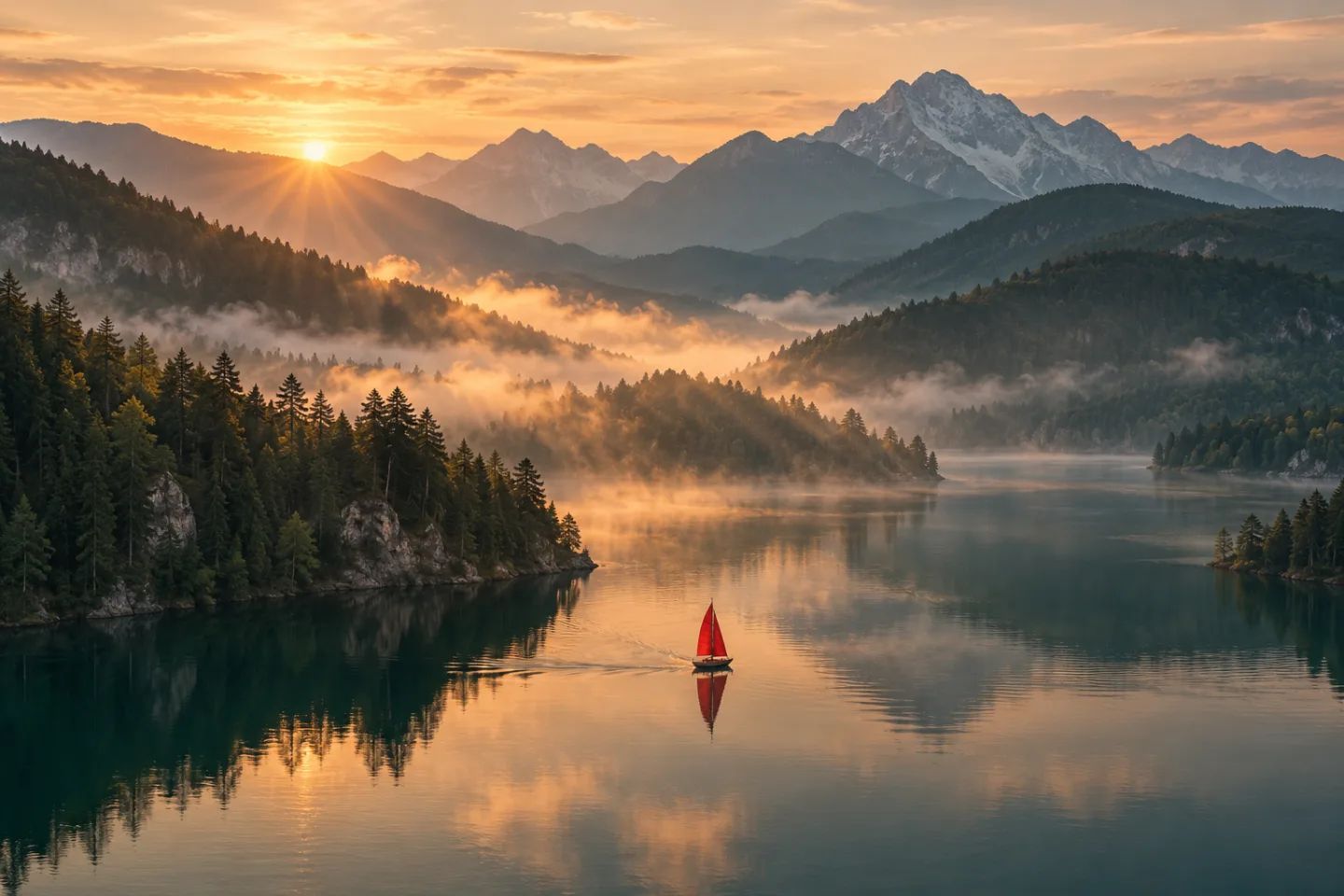
Build a visual idea without filming the first shot. Create atmospheric clips, explore a product concept or sketch a scene for a storyboard. Start small, refine what works, and take the result into your next project.
Make a visual hook, background clip or transition for a short-form edit.
Explore lighting, mood and camera direction before committing to a shoot.
Sketch an individual shot to communicate how a scene could feel.
Start with a subject, setting and action. Add lighting and a camera movement to give the model a clear shot to interpret.
Compare available models, duration and resolution. The generator shows the credit cost before you submit. Sign in when you are ready to create.
Watch the result and download the clip. Refine one detail in the prompt for another generation, or take the clip into your own editing workflow.
AI concept images for inspiration. Choose a starting prompt and make it your own.
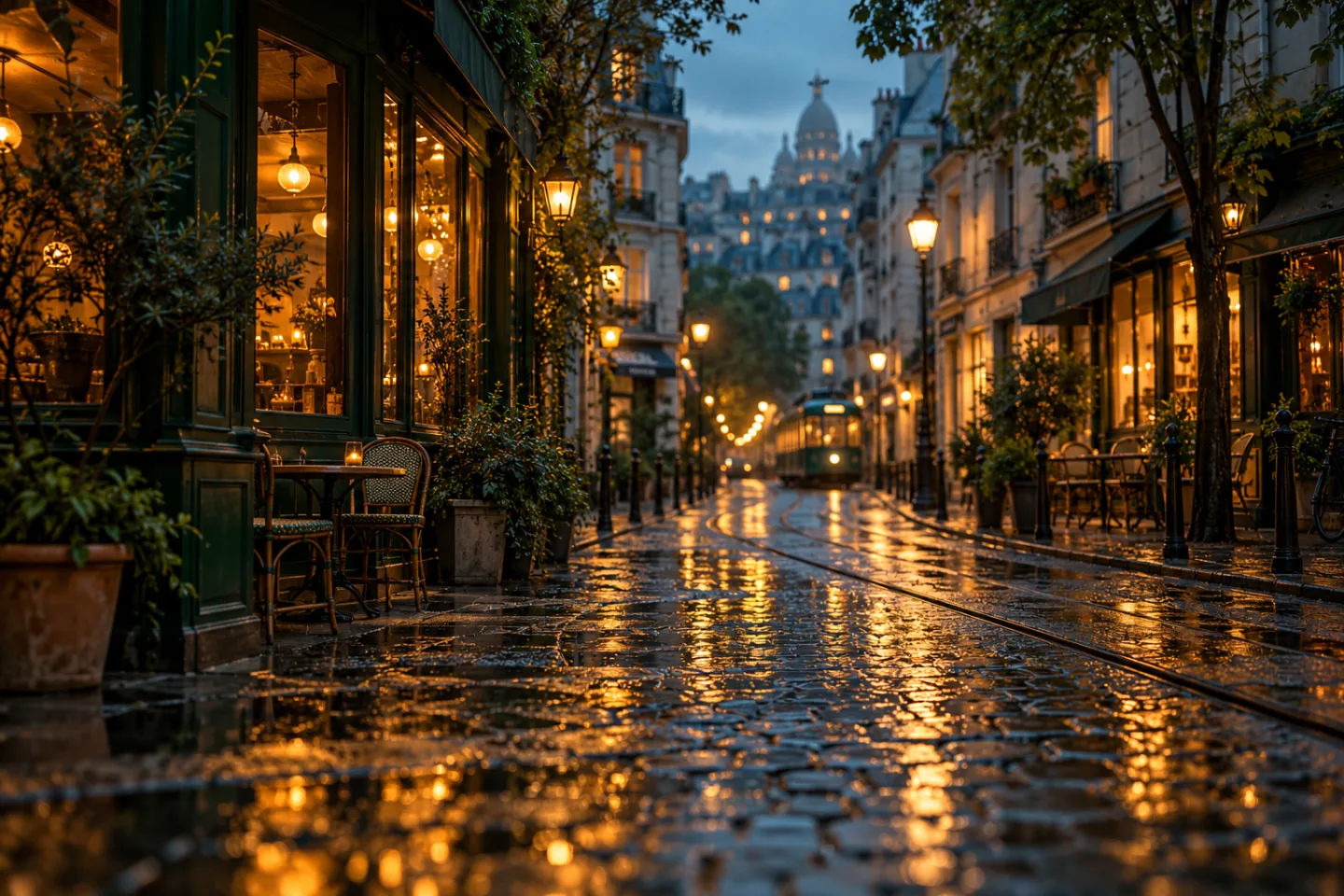
“A quiet city street after rain at blue hour. Warm shop lights reflect in puddles as the camera moves slowly forward. Cinematic wide shot, one continuous scene.”

“A matte ceramic coffee cup on a pale stone pedestal. A ribbon of steam rises in warm morning light. Slow camera orbit, minimal studio background, close-up.”
“A tiny red sailboat crosses a still mountain lake at sunrise. Mist drifts between the pine-covered hills. A slow aerial push-in, soft golden light, wide shot.”
Compare available starting configurations, then choose the settings for your next video.
Text to video
Text to video
Text to video
Text to video
Image to video
Available models and credit costs can change. Check the selected configuration before generating.
It creates a short video from a written description. Your prompt describes the subject, setting, movement and style; the selected model interprets those instructions into a clip. TextToVideo is designed for individual shots and visual assets.
The tool generates short clips. It does not automatically assemble a full script, add subtitles or provide a timeline editor. You can combine your downloaded clips with narration, music and other footage in your preferred editor.
Describe one scene and one main action. Include a concrete subject, a setting, lighting and a camera direction. Avoid conflicting actions or asking for several scene changes in one short clip. Try one of the editable prompts above.
Duration depends on the selected model and your available settings. The generator shows the published choices, resolution and credit cost. Some longer or higher-resolution configurations require an active subscription.
You can explore the tools, prompts and costs without paying. Generating a video requires enough credits. Any promotional credits appear in your account when granted; a new account is not guaranteed a free generation.
Use only inputs you are authorized to use, check the selected model’s terms and review the output for third-party rights. TextToVideo does not guarantee exclusivity, copyright protection or clearance of generated content.
No. Your creation history is associated with your account and there is no public gallery. Inputs are sent to processing providers to generate the result. Download important work while available and read the Privacy Policy for details.